


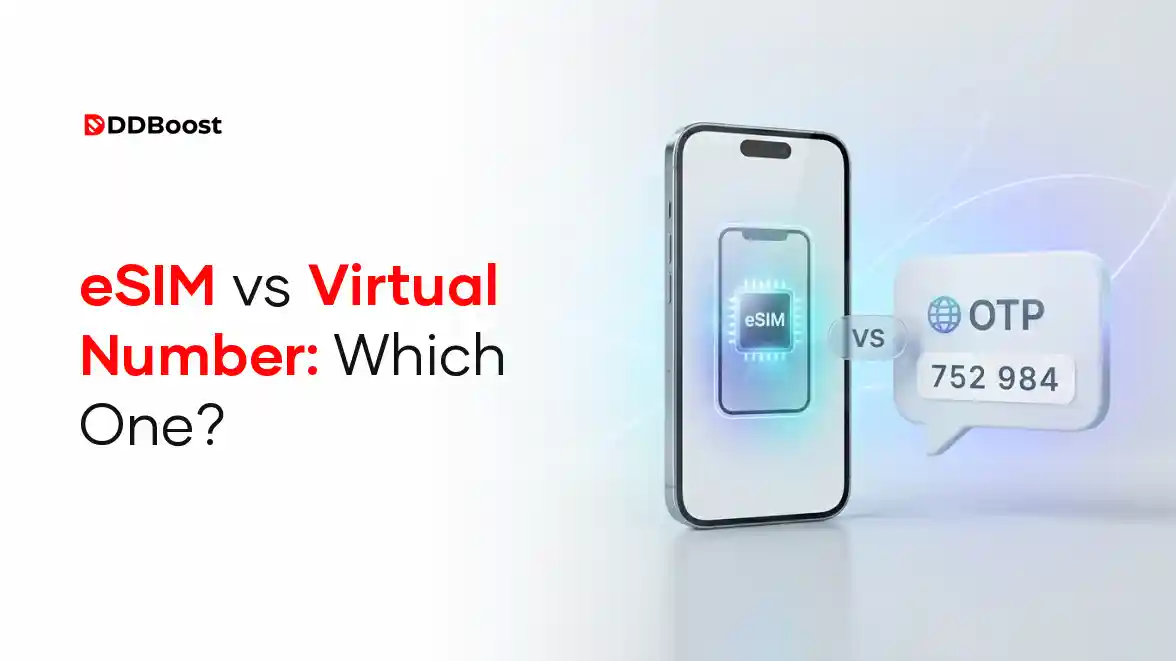
Quick answer: An eSIM is a real phone line from a network like MTN, built into your phone instead of on a plastic card. A virtual number is a temporary number you rent online, mostly to receive one sign-up code. If you want a line for calls, data and your bank, get an eSIM. If you only need a code to open an app account without using your own number, a virtual number is the cheaper, faster tool.
What an eSIM actually is
A SIM is the chip that tells a network who you are. An eSIM (embedded SIM) is the same thing, but the chip is built into the phone and the network loads your line onto it digitally. Apple describes it as a digital SIM that removes the need for a physical card.
So an eSIM is not a different kind of number. It is your normal MTN or Airtel line, with the same calls, SMS, data bundles and USSD codes, just without the card. You can move an existing number to an eSIM or get a new line on one.
Because it is a full network line, it follows the same rules as any SIM in Nigeria. It must be registered and linked to your NIN (National Identification Number), and the network will ask you to show up with ID.
What a virtual number is
A virtual number is a phone number that lives on an online service, not inside your phone. You do not put anything in your phone. You open a website or app, pick a country and the app you are signing up for, and the code that app sends shows up on your screen.
On DDBoost, for example, one virtual number is for one activation. You use it to receive one OTP (one-time password, the short code an app texts you), and that is the job done. It is not a line you keep, call from or load data on. Our post on how a virtual number works goes through this in more detail.
eSIM vs virtual number: side by side
| Question | eSIM | Virtual number |
|---|---|---|
| What is it? | A real network line loaded onto a chip inside your phone | A number on an online service that receives texts for you |
| Who gives it to you? | Your network (MTN, Airtel and so on) | An online platform |
| Calls, data and USSD? | Yes, like any SIM | No. Mainly receiving a sign-up code |
| Needs NIN and a store visit? | Usually yes in Nigeria | No |
| Needs a special phone? | Yes, the phone must support eSIM | No. Any phone or laptop with internet |
| How long does it last? | As long as you keep the line active | Short. One number, one activation |
| Good for your bank or BVN? | Yes | No |
| Can you get the number back later? | Yes, it is yours | Do not count on it |
The short version: an eSIM changes how your SIM is stored. A virtual number gives you a separate number for a single task. They solve different problems.
When an eSIM is the right choice
Pick an eSIM when you want a second full line and your phone has only one card slot. Many newer iPhones work this way, so an eSIM is how you run two lines on one phone (say, MTN for calls and Airtel for data).
It also makes sense if you want a work line and a personal line on one device, without carrying two phones. Both numbers can receive bank alerts, WhatsApp and calls.
There is a safety plus. A thief cannot just pull an eSIM out of the phone and put it in another one. That does not stop SIM swap fraud done through a network agent, so read up on how SIM swap fraud works either way.
When it is not worth it: if your phone does not support eSIM, or if you change phones often. Moving an eSIM to a new phone usually means another trip to the network to get a new QR code.
When a virtual number is the right choice
Pick a virtual number when you need a code and nothing else. Some real situations:
- A small business owner opening an extra account on an app for the shop, without tying it to their personal line.
- A student testing a new app and not wanting their main number on yet another marketing list.
- Someone who needs a number from a specific country to sign up for a legitimate service that asks for one.
It takes a few minutes, needs no NIN and no store, and works from a laptop.
When it is the wrong choice: for anything you will need to log back into with SMS later. If the app asks for a code again in three months, that number may be gone. Never use a temporary number for banking, your BVN (Bank Verification Number), government services, or the main account you cannot afford to lose. For those, use a real line, physical SIM or eSIM.
Also follow each platform's rules. A virtual number is for privacy and convenience, not for getting around a ban or creating fake accounts.
How to check if your phone supports eSIM
- iPhone: Apple says the iPhone XS, XS Max, XR and newer support eSIM, as long as the network supports it too. See Apple's eSIM help page.
- Android: Open the Phone app and dial *#06#. If you see an EID (a long number that only eSIM phones have), your phone has eSIM. You can also look in Settings under SIM manager or Connections for an option like "Add eSIM".
- Not sure? Some phones sold in certain countries have the eSIM switched off. Ask the network store to check before you pay for anything.
A phone locked to a foreign network (common with some imported "UK used" or US phones) may refuse a Nigerian eSIM. Check this before you buy a used phone for eSIM.
How to get an eSIM in Nigeria
The networks mostly do this in person, because they must confirm who you are.
- Confirm your phone supports eSIM (steps above).
- Make sure your NIN is linked to the number, or bring it if you want a new line.
- Go to a network store with valid ID. According to MTN Nigeria's eSIM page, an agent checks that your device is eligible and gives you a QR code.
- Connect to Wi-Fi or data, then scan the QR code. On iPhone it is under Settings, then Mobile Data, then Add eSIM or Add Data Plan. On Android it is usually under Network and Internet or Connections.
- Wait for the network to activate the line, then test a call and a text.
Keep the QR code private. It is the key to your line. Anyone who scans it before you could load your number. Also, nobody from a network will DM you a QR code on WhatsApp or Instagram. That is a scam.
Other networks have their own process and their own list of stores that can do it, so call customer care first to avoid a wasted trip.
Common mixups to avoid
- Buying a "travel eSIM" and expecting a Nigerian number. Many eSIMs sold online are data only. They give you internet, not a number for codes or calls.
- Thinking a virtual number replaces a second SIM. It does not. We compare the two in our post on virtual number vs second SIM.
- Using one virtual number for many apps. One number covers one activation. Get a fresh one for each sign-up.
- Deleting an eSIM to "fix" a network problem. On most phones, deleting it means a new store visit. Restart the phone or toggle airplane mode first.
If what you need is a one-off sign-up code, you can get a virtual number on DDBoost from the dashboard, paid from your naira wallet.
FAQ
Is an eSIM the same as a virtual number?
No. An eSIM is a real network line stored on a chip inside your phone. It does calls, data and SMS like any SIM. A virtual number is a number on an online service that you mostly use to receive one sign-up code, and you do not keep it.
Can I receive OTP codes on an eSIM?
Yes. An eSIM line receives texts exactly like a physical SIM, so bank OTPs, WhatsApp codes and USSD all work. This is why an eSIM, not a virtual number, is the right place for any account you need long term.
Do I need a NIN to get an eSIM in Nigeria?
Yes, in practice. An eSIM is a normal phone line, so it must be registered and linked to your NIN like any SIM under NCC (Nigerian Communications Commission) rules. Bring valid ID to the store as well.
Can I use a virtual number for WhatsApp?
You can receive the WhatsApp sign-up code on one, but be careful. If WhatsApp asks for a new code later, the number may no longer be available. For your main WhatsApp, use a real line. Use a virtual number only for an extra, less important account.
Can I use an eSIM and a physical SIM at the same time?
On most dual SIM phones that support eSIM, yes. You can keep one line on the card and one on the eSIM, and choose which one handles calls and which one handles data in Settings.
Does an eSIM work on any phone?
No. The phone must have eSIM hardware and must not be locked to another network. iPhone XS and newer support it, and on Android you can dial *#06# and look for an EID number.