


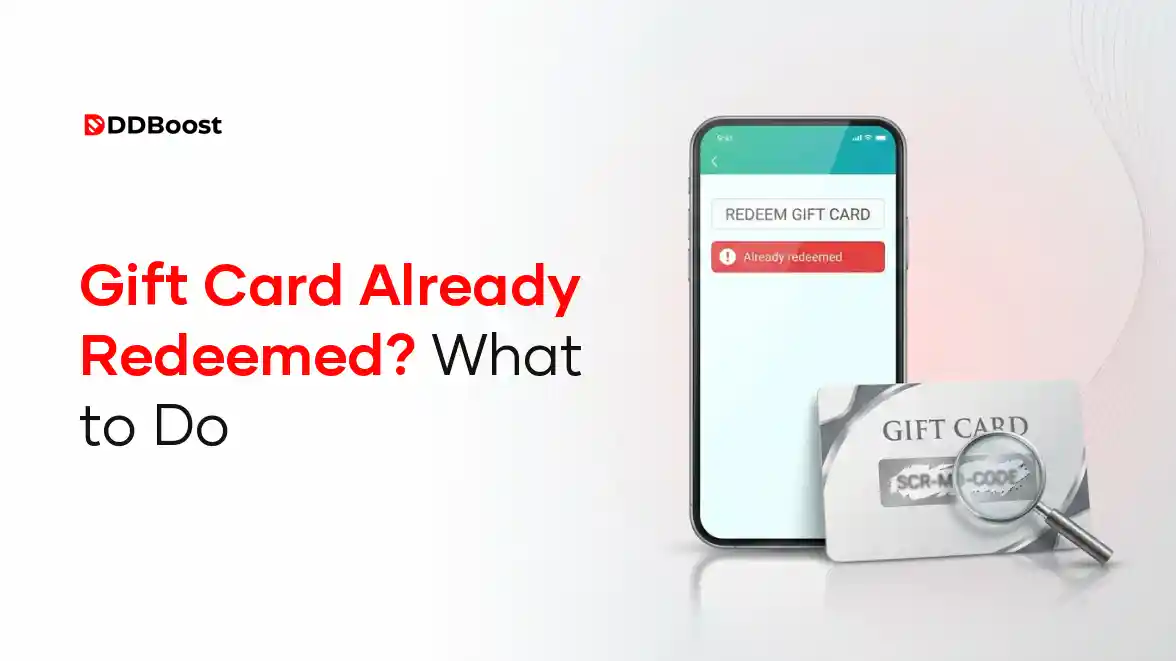
Quick answer: When a gift card code says "already redeemed", first check whether the credit is already sitting in your own account balance. Sign out and back in, check every account you own, and ask anyone who saw the code. If the money is truly missing, contact the card brand or the seller with your receipt and the card details, and stop sharing the code with anyone.
What "already redeemed" really means
Every gift card code works once. When someone types it into an account, the value moves into that account's balance and the code is marked as used. After that, the code is just letters and numbers.
So the message tells you one thing: the money has left the card. It does not tell you where it went. It may be in your own account, in a family member's account, or with a thief. Your job is to find out which.
Check your own balance first
This is the fix more often than people expect. You may have redeemed the card earlier, tapped "Redeem" twice, or the first attempt went through while the app showed an error.
- Look at your balance. On Google Play, open the Play Store, tap your profile picture, then Payments and subscriptions, then Payment methods. On an iPhone, open the App Store and tap your profile picture to see your Apple Account balance.
- Refresh the account. Apple's own help page says to sign out of the App Store on all your devices and sign back in. This refreshes the balance shown.
- Wait a little. If you entered the code twice in a row, the second try can show "already redeemed" before the first one finishes. Give it a few hours before you panic.
- Check purchase history. Credit can disappear fast if a subscription renewed or an app took a payment. Look at your recent purchases, not only the balance.
Did you use the right account?
Plenty of Nigerians have two Gmail accounts on one phone, or an old Apple ID from a former phone. If the code went into the wrong one, the money is safe but in the "wrong pocket".
- Switch to each Google account on the phone and check its Play balance.
- If you used a shared family phone or a laptop at a business centre, check which account was signed in there.
- Google warns that if you see "The code you entered has already been redeemed on a different account", the credit went to an account that is not the one you are using now.
Google says it will not tell you which account redeemed a card, for privacy reasons. So you have to do this checking yourself.
Who else saw the code?
Think about every person and place that had the code before you typed it:
- A family member or friend who sent it to you, or whom you showed it to.
- A WhatsApp or Telegram seller who "verified" the card for you before or after sale.
- Someone you sent a photo or screenshot of the card to, even for a "rate check".
- A shop counter where the card sat with its scratch panel already disturbed.
A photo of the back of a card is the same as the card. Anyone who reads the code can spend it in seconds. This is why sellers who ask for a picture of the code "to confirm it" are a big red flag. Our guide on gift card scams in Nigeria covers the common tricks in more detail.
Is it really a region problem?
Some people read any error as "redeemed" when the real message is about country. Read the exact words on the screen.
| What the message says | What it usually means | What to do |
|---|---|---|
| Code already redeemed | The value has moved to some account | Check balances, then contact support |
| Redeemed on a different account | Another account used it | Check your other accounts and who had the code |
| Code can only be used in a certain country | The card was made for another country's store | Use an account set to that country, or ask the seller to replace it |
| Code is invalid or not recognised | Typo, wrong store, or damaged code | Recheck letters like O and 0, I and 1 |
Apple says a card must be used in the country where it was bought. A US card will not work in a UK App Store. If that is your error, our post on gift card region locks explains how to pick the right country before you buy.
How to contact support (and what to send)
If the money is not in any account you own and nobody you know used it, contact the brand. Go in prepared, because vague requests get slow answers.
For Apple gift cards
According to Apple, you should have these ready:
- A clear picture of the full front and back of the card.
- The receipt showing the date you bought it.
- The serial number. This is different from the redemption code. Apple says it starts with GCA, PBH or EPY and is printed on the back.
You can start from Apple's page on cards that cannot be redeemed.
For Google Play gift cards
Google's gift card help page has the contact steps. For a physical card, Google may ask for a photo of the back showing the serial number, plus your receipt.
For other brands (Steam, PlayStation, Amazon and so on)
Go to the official support page of that brand only. Type the address yourself instead of tapping a link someone sent you. Send the same kit: card photo, serial number, receipt or order number, and the exact error message.
Be honest about your chances. If the card was bought from a random person and redeemed by someone else, the brand may not refund it. Support can only help when they can link the card to a real purchase.
If you bought it online from a seller
Digital codes sold on WhatsApp, Instagram or Telegram are where most "already redeemed" stories in Nigeria start. Some sellers sell the same code to two buyers. Others use the code first, then pass it on.
- Message the seller at once with a screenshot of the error and the time you tried.
- Keep your bank transfer receipt and the chat. Do not delete anything.
- If you paid by card or through a platform with a dispute option, open a dispute quickly. Banks and platforms are slower to act the longer you wait.
- Do not pay a "recovery fee" to anyone who says they can restore the card. That is a second scam.
How to avoid this next time
- Redeem as soon as you get the code. The longer it sits in a chat or gallery, the more people can see it.
- Buy where you get a receipt. A record with date, amount and card type is what support asks for.
- Never send the code or a photo of it to anyone who is not the person you are gifting.
- Check the physical card. If the scratch panel looks peeled or the packaging is opened, do not buy it.
- Confirm the region before you pay. Match the card's country to the store your account uses.
If you want a record for every card you buy, DDBoost sells digital gift cards from popular brands in naira, and each order comes with a history and receipt in your dashboard. You can see what is available on the services page. Before you redeem any card, our guide on checking a gift card balance safely is worth a read.
Gift card already redeemed: common questions
Can a gift card be redeemed twice?
No. Each code works once. After it is used, the value lives in the account that redeemed it, not on the card. If you see "already redeemed", the money has moved somewhere, and the first place to look is your own balance.
Can Apple or Google tell me who redeemed my card?
No. Google says it does not share details of the account that redeemed a card, for privacy reasons. Support can still check whether the card was used and may help if you show proof that you bought it.
Will I get my money back?
Sometimes, but not always. Your chances are better with a receipt from a real store and a quick report. If you bought the code from an unknown person online and it was used before you got it, a refund from the brand is unlikely.
Why does a brand new card say already redeemed?
Usually because someone read the code before you did. Thieves sometimes peel the scratch panel in shops, copy the code and wait. For digital codes, the seller may have sold or used it already. Report it to the store or seller immediately.
Is it safe to send a photo of my gift card to a buyer?
Only if you are fine with losing the value. A photo shows the code, and anyone can redeem it within seconds. Real buyers and stores do not need to see your code before payment is fully settled.