


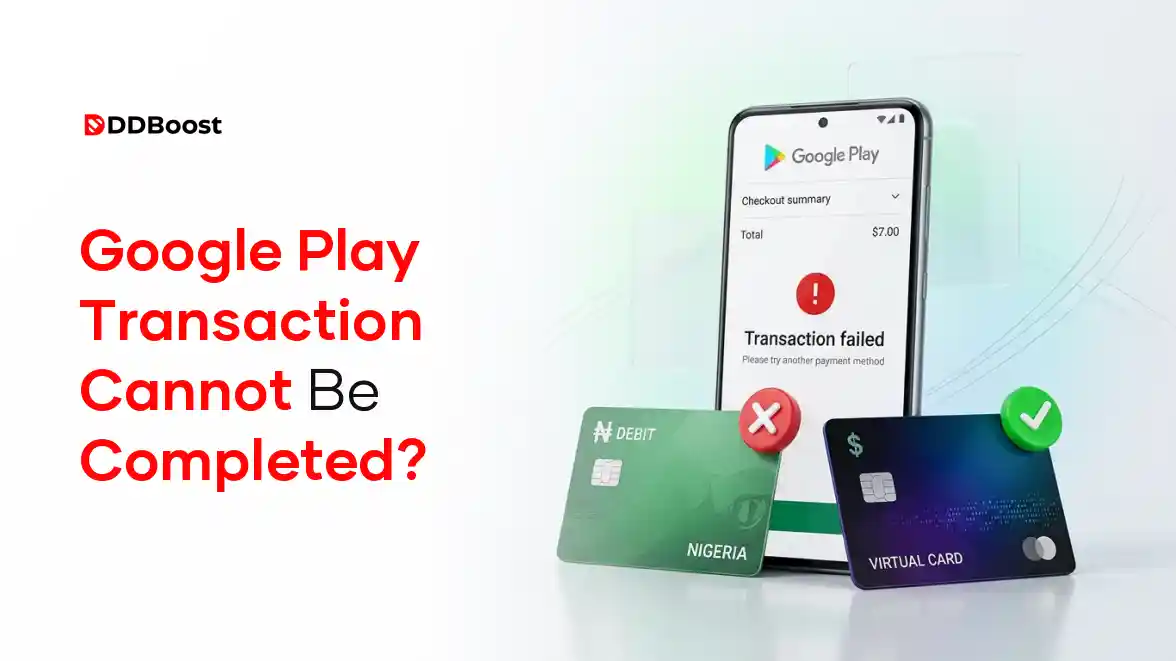
Quick answer: "Your transaction cannot be completed" on Google Play usually means your bank refused the charge, or your Google payments profile has a problem. With Nigerian naira cards, the most common cause is that the card is not allowed for foreign online payments. Check your payments profile first, then try a different payment method such as a dollar card or Play balance.
The error often comes with a code like OR-CCSEH-05 at the bottom. Google does not publish a meaning for each code, so do not waste time searching for the exact one. The fixes below cover what actually goes wrong, in the order worth trying.
Why Google Play says your transaction cannot be completed
When you tap Buy, Google sends the charge to whoever issued your card. Your bank can say yes or no. According to Google's own help pages, most declines come from the card issuer, not from Google.
For someone paying from Nigeria, these are the usual reasons:
- Your naira card is blocked for international payments. Many Nigerian banks have cut or switched off foreign spending on naira debit cards. Google Play charges are often treated as foreign, even when the price shows in naira.
- Your Google payments profile needs attention. Google may want you to confirm your name, address or identity before it lets the payment through.
- The billing address does not match. The address on your card and the one in your Google account should agree.
- Low balance or an expired card. Boring, but common. A card that expired last month will still sit in your Play account looking normal.
- A fraud check. A first purchase, a large amount, or several tries in a row can trigger a block on either side.
Check your Google payments profile first
This takes two minutes and fixes more cases than people expect.
- On a phone or computer, open payments.google.com and sign in with the same Google account you use on the Play Store.
- Look for any alert or red notice. If Google asks you to verify something, finish that step and wait for its email.
- Open Payment methods. Remove any expired card.
- Open Settings and confirm your name and address are correct and match what your bank has.
- Go back to the Play Store and try the purchase once. Do not try five times in a row, because repeated failures can look like fraud.
If your card shows as greyed out with a message to verify it, Google's help page explains that it will make a small temporary charge. You then enter the code from that charge, which appears on your bank statement or alert, to confirm the card is yours.
Ask your bank about foreign online payments
If your profile is clean and the error stays, call your bank or check its app. Ask one plain question: "Can this card be used for online payments to foreign merchants like Google?"
Some banks let you switch international or online use on and off inside the app. Others have stopped it for naira cards entirely. If your bank says no, stop retrying with that card. It will keep failing, and no setting on your phone can change that.
A word of warning: never give anyone who calls you your card PIN, full card number or the one-time code your bank sends. Your bank will not ask for them on a call. Fake "customer care" lines are a common way people lose money while trying to fix exactly this kind of problem.
Try a different way to pay
Once you know your naira card will not work, you have three realistic options. Each suits a different person.
| Option | Best for | Main downside |
|---|---|---|
| Virtual dollar card | Subscriptions and repeat purchases | Exchange rate and card fees add to the cost |
| Google Play gift card | One-off buys, or people who do not want to save a card | Must match your Play country, and the balance cannot move to another country |
| Domiciliary (dollar) account card from your bank | People who already have one | Opening one takes paperwork and a branch visit |
A virtual dollar card is a card that lives in an app and holds money in US dollars. You fund it in naira, and it pays foreign sites as a dollar card would. For a monthly app subscription, this is the option I would pick, because the renewal can go through on its own. Fund it with a little more than the price, since small fees and rate changes can cause a decline. Our guide on what dollar card fees really cost in naira explains where that extra goes.
A Google Play gift card is a code you redeem to add balance to your account. It avoids your bank completely. The catch is the country: a code made for one country only works on a Play account set to that country. Read whether a Google Play gift card works in Nigeria before you buy one.
To add a new card at checkout, tap the payment method shown under the price, then choose Add card. To redeem a code at checkout, use the arrow next to the payment method and choose Redeem code.
Quick phone fixes that sometimes help
If the payment method is fine but the error still shows, try these on your Android phone:
- Update the Play Store app. Open it, tap your profile picture, then Settings, then About, then Update Play Store.
- Clear the Play Store cache. Go to phone Settings, then Apps, then Google Play Store, then Storage, then Clear cache.
- If you use two SIM cards, Google's help page suggests keeping your main SIM in slot 1.
- Try the purchase on the other platform. If the app fails, try the website on a computer, or the other way round. Google lists this as a fix for this exact error.
Be honest with yourself here. If your bank has blocked foreign payments, none of these phone fixes will help. They only matter when the card is known to work.
Do not change your Play country to get around it
Some videos tell you to switch your Google Play country to the US or UK so a foreign gift card works. Think twice. According to Google, you must be in that country and have a payment method from there to set it up. You also have to wait at least 90 days between changes, and your Play balance stays stuck in the old country. If you mess it up, you can lose access to balance and Play Points.
Keep your account set to where you actually live and pick a payment method that works there.
When you should contact Google
Contact Google Play support if your profile shows an alert you cannot clear, if your account says the payment was declined "due to an issue with your account", or if you were charged but did not get the item. Only use the help links inside the Play Store app or on Google's official help site at Google Play's payment help page. Anyone on social media offering to "fix" your Google payments for a fee is not Google.
If you settle on a dollar card, you can get a virtual dollar card on DDBoost by funding your wallet in naira. It is there under DDBoost services when you are ready.
FAQ
What does OR-CCSEH-05 mean on Google Play?
It is a code that shows with a declined payment. Google does not publish a public meaning for it. In practice, it usually points to a card problem: the bank refused the charge, the card cannot pay foreign merchants, or the billing details do not match. Treat it the same as the general error.
Why does my naira card work on Jumia but not Google Play?
Jumia is a local merchant, so the payment stays inside Nigeria. Google Play is a foreign merchant, even when it shows prices in naira. Many Nigerian banks block or limit foreign online payments on naira cards, so the same card can work locally and fail on Google.
Can I pay for Google Play with airtime in Nigeria?
Google supports carrier billing (paying with your phone credit) only in some countries and with some networks. Check the payment options at Play Store checkout. If you do not see your network listed there, it is not available on your account.
Will a US Google Play gift card work on my Nigerian account?
Usually not. A gift card works only on a Play account set to the same country the card was made for. Changing your Play country to match needs you to be in that country with a local payment method, and you can only change it once every 90 days.
Why was I charged even though Google said the transaction failed?
Sometimes your bank holds the money for a short time and then releases it. Check your Google order history first. If there is no order, give it a few days, then contact your bank with the date and amount. If there is an order but no item, contact Google Play support.