


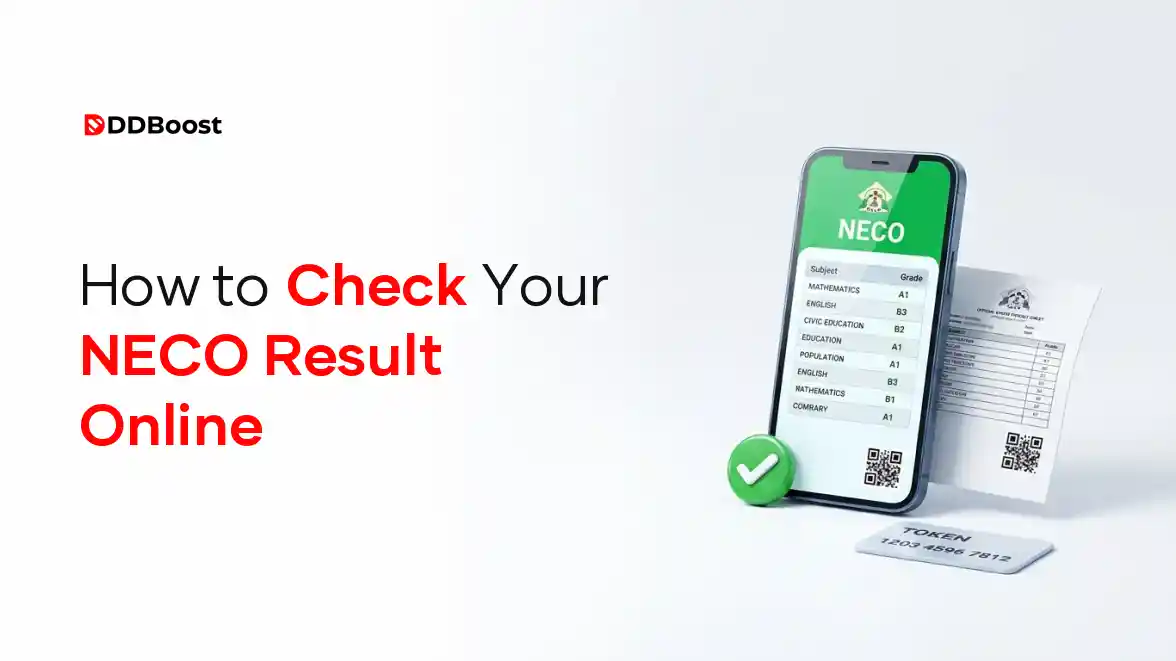
Quick answer: To check your NECO result online, open the official NECO results portal, create an account with your email, buy a result token, then enter your exam year, exam type, registration number and token. Buy the token only from the official portal, your school or a NECO office, and never share it once you have used it.
What you need before you start
Gather these before you open the portal. It saves you from timing out halfway.
- Your registration number. This is the exam number on your exam slip or photocard. The portal calls it "Examination Number" or "Registration number".
- Your exam year and exam type. For example, SSCE Internal (the June/July school exam) or SSCE External (the November/December GCE).
- A working email address you can open. The portal sends a 6-digit code to verify it.
- A result token. A token is a 12-digit number (shown as 0000 0000 0000) that lets you view one result. You can buy it inside the portal.
- A way to pay. Payment on the portal goes through Remita, a government payment platform. You can pay with a bank card or other options Remita shows you.
The official address is results.neco.gov.ng, with an "s" after "result". Copycat sites use names like "NECO result checker" or "NECO portal". Some are resellers and some are scams. Our guide on how to check if a link is safe before you tap it shows how to spot a fake address in a few seconds.
How to check your NECO result online, step by step
- Go to the official NECO results portal.
- Create an account with your email address and a password. NECO sends a 6-digit code to that email. Type it in to verify the account.
- Log in. If you already have a token, skip to step 6.
- Choose "Purchase Token". Enter how many tokens you want (one per candidate), then go to payment.
- Pay through Remita. When payment succeeds, your token appears under your purchased tokens.
- Open "Check Result". Select the exam year and the exam type.
- Type your registration number and the 12-digit token.
- Click "Check my result". Your result shows on screen. Save it as PDF or print it.
The portal warns that payment is non-refundable. So check the exam type and year twice before you pay, especially if you are buying for a sibling or a friend.
Which exam type should you pick?
Picking the wrong exam type is one of the most common reasons a correct token and number still fail. The portal lists these options:
| Exam type on the portal | What it means | Who picks it |
|---|---|---|
| SSCE INTERNAL | Senior School Certificate Exam written in school, usually June/July | SS3 students who sat the exam with their school |
| SSCE EXTERNAL | The private exam, often called NECO GCE, usually November/December | Private candidates and people resitting papers |
| BECE | Basic Education Certificate Exam, taken at the end of JSS3 | JSS3 candidates who wrote it with NECO |
| NCEE | National Common Entrance Exam into Federal Government Colleges (Unity Schools) | Pupils seeking JSS1 admission |
| GIFTED | Exam for the Federal Government Academy (gifted children) | Pupils who sat the gifted exam |
On the current portal, NCEE and Gifted checks do not ask for a token at all. If someone tries to sell you a token for Common Entrance results, ask questions first.
How many times can one token be used?
A token is tied to one result. NECO's portal says each token "can be used with only one result for a specific number of views". After the first check, that token is locked to that registration number. You cannot use it for your younger brother's result.
Once the views run out, the portal marks the token as "Exhausted". That is why saving a PDF the first time matters. A screenshot also works, but a PDF looks cleaner if a school or employer asks for a copy.
Many websites state an exact number of views. We could not confirm the current number on NECO's own pages, so do not count on more than a few checks.
Paid but no token? Fix it this way
This happens more than it should, usually when the network drops right after payment. Do this before you pay again:
- Keep your RRR. RRR means Remita Retrieval Reference, a 12-digit payment number. It is on the payment page, your email or your debit alert.
- Use "Verify Payment" in the portal. Enter the RRR there. If Remita confirmed the money, the portal adds your token.
- Check your transaction history. The portal has a transactions page that shows each payment and its status.
- Still nothing after a day? Email NECO support at support@neco.gov.ng with your RRR, the email on your account and a screenshot of the debit.
Do not pay twice "to be safe". The second payment will not cancel the first, and refunds are not promised.
Why the portal says "invalid token" (and other errors)
Invalid token. First check the 12 digits again. People often swap two digits or confuse the token with the RRR. If you bought the token from an agent or a cybercafe, NECO says to go back to that agent. If you bought it yourself on the portal, contact NECO support.
Token already used. The token has been used for a different registration number. This happens when a shared cybercafe token gets reused. Only the person who used it first can view with it.
Result not available. NECO may not have released that exam yet, or your result may be held for review. Your school or the nearest NECO state office can tell you why.
Wrong exam number. Copy it from your photocard, not from memory. A missing letter at the end is enough to fail.
Portal, school or vendor: where should you buy the token?
Buy from the official portal if you have a bank card or bank app and five minutes. You pay NECO's fee only, and the token sits safely in your account.
Your school or a NECO office is a good second choice, especially for parents who are not comfortable online.
Third-party vendors and cybercafes charge extra for convenience. Some are honest. The risk is a token that was already used or never existed, and the vendor is then the only one who can help you. If you must use one, ask for the token before you pay, and check it yourself right away.
A clear red flag: anyone who offers to "upgrade" grades or remove an "awaiting result" tag for money. NECO does not sell grades. That offer is a scam every time.
How to keep and verify your result
Save the PDF in two places, such as your Google Drive and your email. Name it with your full name and exam year so you can find it in two years.
The printed result carries a QR code with the words "Scan to check validity". A school or employer can scan it to confirm the result is real. Do not edit the PDF, even to fix a typo in your name. Ask NECO or your school about corrections instead.
If you also wrote WAEC, our guide on how to buy a WAEC result checker PIN online covers that portal, which works differently.
NECO result FAQ
Can I check my NECO result without a token?
For SSCE and BECE results, no. The portal asks for a token for every check. The exceptions are NCEE (Common Entrance) and Gifted results, which the portal currently lets you check with only your exam year, exam type and number. Anyone offering a "free token" trick is likely running a scam.
Can I check my NECO result on my phone?
Yes. The portal works in any phone browser like Chrome or Safari. You need data, your email, your registration number and a token. Turn your phone sideways if the result table looks squeezed, then save it as PDF from the browser's share or print menu.
How much is a NECO token?
The official price is shown on the portal before you pay, so check it there. Vendors and cybercafes usually charge more than the portal because they add a service fee. Treat any price you see on a blog, including older news reports, as a guide only.
Can I use one token for two students?
No. A token locks to the first registration number used with it. Each candidate needs their own token. On the portal, you can buy several tokens in one payment by changing the number of tokens, which is handy for parents with twins or a teacher helping a class.
When does NECO release GCE results?
NECO announces release dates itself, usually a few months after the November/December exam ends. Follow NECO's official website and verified social media pages for the date. Ignore WhatsApp messages that claim results are out but link to a site that is not results.neco.gov.ng.
What if my name is spelt wrongly on the result?
Report it to your school first if you wrote SSCE Internal or BECE. Private candidates should contact the nearest NECO state office with their photocard and ID. Do not edit the PDF. An edited result fails the QR check and can cause bigger problems later.