


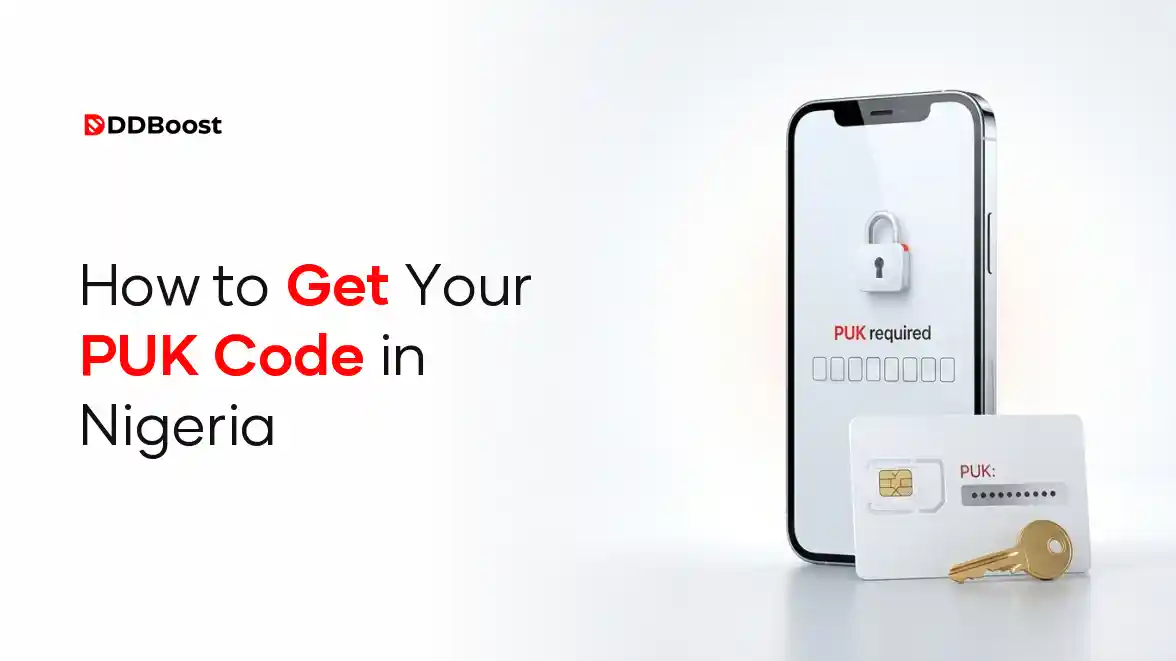
Quick answer: If your phone is asking for a PUK code, your SIM locked itself after the wrong SIM PIN was entered three times. To get your PUK code, check the original SIM pack first. If you no longer have it, call your network's customer care line from another phone, prove the line is yours, and ask for the PUK. Do not guess it.
What a PUK code is (and why your phone wants one)
A SIM PIN is a short code that protects your SIM card. If someone takes the SIM and puts it in another phone, they cannot use your line or data without that PIN.
A PUK (Personal Unblocking Key) is the backup code for when the PIN goes wrong. It is usually 8 digits long and belongs to your SIM alone. Your network created it when the SIM was made.
Most phones ask for the PUK after three wrong SIM PIN tries in a row. That is why a child playing with your phone, or you trying old PINs after a restart, can suddenly leave you with a screen that says "PUK required" or "SIM locked".
Until you enter the right PUK, you cannot make normal calls, send SMS or use mobile data on that line. Wi-Fi still works, and emergency calls should still go through.
PUK lock, SIM PIN or phone lock: which one do you have?
| What you see | What it means | Who can fix it |
|---|---|---|
| "Enter SIM PIN" | Normal SIM PIN request after a restart | You, with your SIM PIN |
| "PUK required" or "SIM locked" | Too many wrong SIM PIN tries | You, with the PUK from your SIM pack or your network |
| "PUK blocked" or "PUK exhausted" | Too many wrong PUK tries | Only your network, by replacing the SIM |
| Phone asks for a pattern, password or fingerprint | Your phone's screen lock, not the SIM | You, or the phone maker's recovery steps |
If it is the screen lock, the PUK will not help. Your network controls the SIM, not the phone.
Stop: do not guess the PUK
This is the one mistake that turns a 10-minute problem into a trip to a service centre. Every SIM only allows a limited number of wrong PUK entries in a row. Go past it and the SIM is blocked for good.
Apple says this plainly in its guide to SIM PINs: never try to guess a SIM PIN or PUK, because a wrong guess can lock the SIM permanently. The same is true on Android phones.
Where to find your PUK code first
Before you call anyone, look for the plastic card your SIM came in. The PUK is printed on it, usually next to the PIN, and sometimes under a scratch panel.
Check the phone box and any drawer of old receipts. If a family member or your office bought the line, ask them too.
Found it? Type the 8 digits carefully, then set a new SIM PIN when the phone asks. Pick one you will remember, not 0000 or 1234.
How to get your PUK code from MTN, Airtel, Glo or T2
If the SIM pack is gone, your network can give you the PUK after it confirms that the line is yours. You will need another phone, because the locked SIM cannot make normal calls.
The Nigerian Communications Commission (NCC), the telecom regulator, lists these customer care short codes on its consumer help page:
| Network | Customer care short code |
|---|---|
| MTN | 180 |
| Airtel | 111 |
| Glo | 121 |
| T2 (formerly 9mobile) | 200 |
Short codes only work from a line on the same network. If you are calling from another network, use the full care number shown on the network's official website or app.
Here is how to get your PUK code by phone:
- Borrow a phone, ideally one on the same network as your locked SIM.
- Dial the short code from the table and choose the option to speak to an agent.
- Tell the agent your SIM is asking for a PUK code and give the locked phone number.
- Answer the ownership questions. Agents often ask for your full name as registered, your last recharge amount, or numbers you call often. Have your NIN (National Identification Number) ready too.
- Write the PUK down on paper as the agent reads it. Read it back to confirm.
- Enter it on the locked phone slowly, then set a new SIM PIN.
Some networks also offer the PUK inside their official self-service app or website. Menus change often, so if you use this route, only use the app from the Play Store or App Store, published by the network itself.
Can't pass the questions? Visit a service centre
If the line is not registered in your name, or you cannot answer the questions, the agent may refuse. That same check stops a stranger from taking over your number.
Go to an official store of your network with a valid ID. Staff can confirm your identity against the SIM registration and either give you the PUK or replace the SIM. If the line is registered to someone else, such as a parent, they may need to come with you.
What to do if your PUK is blocked for good
If you see "PUK blocked" or "PUK exhausted", no code will save that SIM. You need a SIM replacement (often called a SIM swap) at an official network store.
The good news: a replacement keeps your phone number, and the line stays yours. Contacts saved on the old SIM itself may be lost, so if you stored any there, plan to rebuild them from WhatsApp or your Google or iCloud backup.
Bring a valid ID and know your NIN, because the network will check that the line is registered to you. If customer care does not resolve your issue, the NCC says you can escalate the complaint through its toll-free line, 622.
Scams to watch for when your SIM is locked
Scammers target people with locked SIMs. Watch for these:
- "PUK generator" apps and websites. A PUK is unique to your SIM and stored by your network. No app can work it out from your phone number.
- Fake customer care accounts. Replies under a network's post on X or Facebook from accounts asking you to send your details on WhatsApp are not the network. Real agents will never ask for your bank PIN, card details or a one-time code sent to you.
- Roadside PUK sellers. Someone who offers to clear your SIM lock for a fee is guessing, or asking for your details to swap your line. Only your network can give you the real PUK.
If you ever get a PUK prompt you did not cause, or your line goes dead without warning, treat it seriously. Read our guide to SIM swap fraud warning signs and call your bank as well as your network. Never share a code someone sends you, as explained in our post on the OTP scam in Nigeria.
Should you keep your SIM PIN on?
Yes, for most people. If your phone is stolen, a SIM PIN stops the thief from moving your SIM into another phone and receiving your bank and WhatsApp codes. That is the first move in many account takeovers. Our stolen phone checklist covers the rest.
The trade-off is the risk you just met: forget the PIN and you need the PUK. So once you are back in:
- Set a SIM PIN you will remember and that differs from your bank PIN.
- Take a photo of the PUK on your SIM pack, or save it in a password manager.
- To change or turn the SIM PIN off on iPhone, go to Settings, then Mobile Data (or Cellular), then SIM PIN.
- On Android, open Settings and search for "SIM lock". The menu name differs between Samsung, Tecno, Infinix and others.
FAQ
Is the PUK code the same as my SIM PIN?
No. The SIM PIN is a short code you use, and you can change it. The PUK is a fixed code, usually 8 digits, that your network created for that SIM. You only need it after the SIM PIN has been entered wrongly three times in a row.
Do I have to pay someone to get my PUK code?
No. The PUK belongs to your SIM, and only your network holds it, so the right place to ask is your network's customer care or an official store. Be careful of anyone, online or by the roadside, who asks you to pay for a PUK. They cannot get it any other way.
Can I get my PUK code without calling customer care?
Yes, if you still have the SIM pack, because the PUK is printed on it. Some networks also show it inside their official self-service app or website. Use only the official app, never a third-party "PUK finder".
Will I lose my number if my PUK is blocked?
No. A blocked SIM card is replaced at an official store, and the new SIM keeps your number. You will need a valid ID and the store will check your registration details. Contacts saved only on the old SIM card may be lost.
Can someone else get my PUK code?
They should not be able to. Networks ask ownership questions before giving it out. This is why you should never share your NIN, recharge history or one-time codes with strangers who claim to be helping you, since those answers can be used to pass the same checks.
My phone says "SIM locked" but I never set a PIN. Why?
Some SIMs come with a default PIN that is turned on. Or someone else, often a child, entered a wrong PIN after a restart. Either way, the fix is the same: get the real PUK from your SIM pack or your network, and do not guess.