


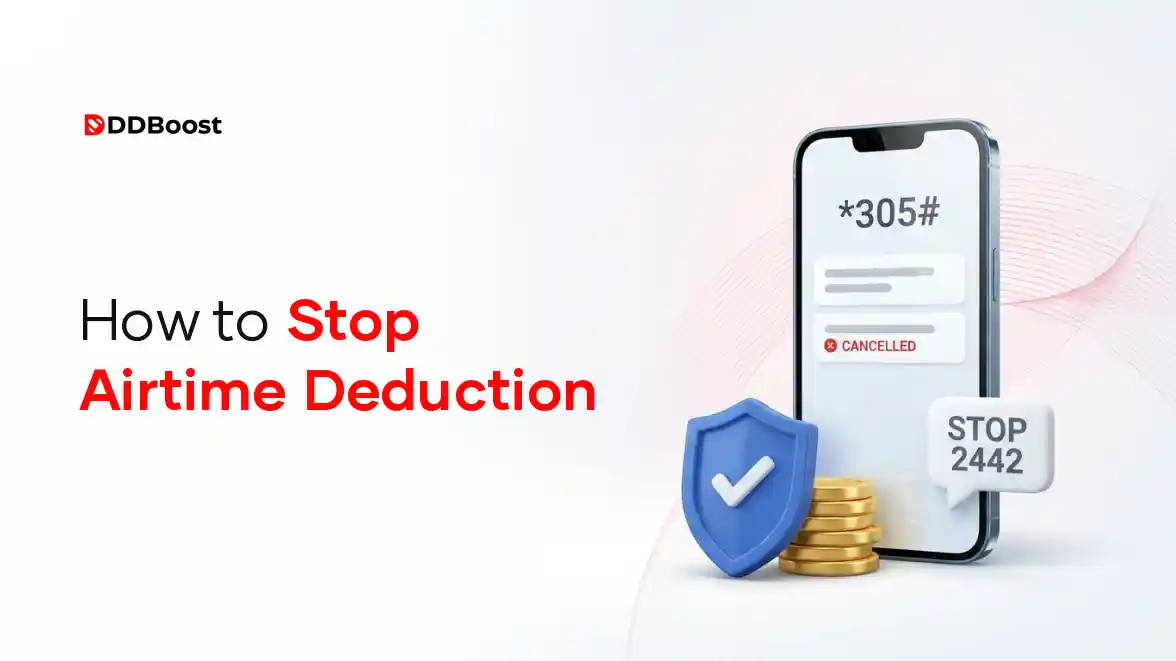
Quick answer: To stop airtime deduction in Nigeria, dial *305# to see and cancel any value-added service on your line, then text STOP to 2442 to block promotional messages. If airtime still goes missing, check for data auto-renewal, browsing without a data plan, or an airtime loan being repaid. Both codes work on MTN, Airtel, Glo and 9mobile.
Why your airtime keeps disappearing
Airtime rarely vanishes for no reason. Almost every case falls into one of five buckets, and each one has its own fix.
- A value-added service (VAS) subscription. VAS means extra paid content on your line: caller tunes, daily jokes, football news, horoscopes, games. Many renew daily or weekly and take a small amount each time.
- Data plan auto-renewal. Some data plans renew themselves when they expire, using whatever airtime is on the line.
- Browsing with no active data plan. If your bundle runs out and mobile data is still on, the network charges your airtime directly. This is usually far more expensive per megabyte than a bundle.
- Repaying borrowed airtime or data. If you took an airtime or data loan, the network collects it, plus its fee, the next time you recharge.
- Calls, SMS or USSD sessions you forgot. A long call to another network or a few paid USSD sessions can add up.
Work out which bucket you are in before you do anything else. The quickest way is to read the SMS messages from your network for the last few days. Most deductions come with a text that names the service.
How to stop airtime deduction with *305#
The Nigerian Communications Commission (NCC), the regulator for phone networks, made *305# the single code for value-added services on every network. According to the NCC consumer portal, it lets you view your active VAS subscriptions and cancel the ones you do not want.
- Dial *305# from the SIM that is losing airtime.
- Choose the option to view or manage your active subscriptions.
- Read the list. Anything you do not recognise is a likely cause.
- Select each unwanted service and confirm that you want to cancel it.
- Wait for a confirmation SMS for each cancellation. Keep these texts.
The menu wording differs a little between networks, but the steps are the same. If a service is still listed after you cancel it, cancel it again and screenshot the screen. You may need that screenshot later as proof.
Be careful with blog posts that promise one secret code to cancel everything at once. We could not confirm any such code from the NCC or the networks. Cancelling each service in *305# takes two minutes and you can see exactly what you stopped.
Text STOP to 2442 to block promo messages
2442 is the NCC's Do Not Disturb (DND) number. It works on all networks and is free. Text these words to 2442:
| Text this to 2442 | What it does |
|---|---|
| STOP | Full DND. Blocks promotional calls and texts. |
| HELP | Partial DND. You pick categories you still want, such as banking or news alerts. |
| STATUS | Shows your current DND setting. |
| ALLOW | Turns DND off. |
DND matters for airtime because many unwanted subscriptions start from a promo text or call. You reply by mistake, or press a key during an automated call, and you are signed up. Fewer promo messages means fewer chances for that to happen. Full details are on the NCC's DND page.
DND does not cancel services you already have. That is why you do *305# first, then 2442.
Turn off data auto-renewal
If the deductions happen on the same day each week or month and match the price of a data plan, auto-renewal is the likely cause. When you buy a plan through some menus, renewal is switched on by default.
To fix it, open your network's data menu or official app, find your active plan, and turn off renewal. You can also ask customer care to do it while you are on the line. From then on, buy a plan only when you want one.
A student who buys a monthly plan and forgets about it is the classic case. The plan renews the day their parent sends airtime for calls, and the airtime is gone before they notice.
Stop browsing on airtime when your data runs out
This is the cause people miss most often. Your bundle finishes at night, background apps keep syncing, and by morning your airtime is gone.
- Switch off mobile data when you are not using it, or when you know your bundle is almost finished.
- On Android, set a data limit in Settings so the phone cuts off data at a set amount.
- Keep data and airtime on separate lines if you can. Many people use one SIM for calls and another only for data.
If your data itself seems to vanish, our guide on why data finishes fast covers the apps and settings that eat it.
Borrowed airtime and data: the silent repayment
Airtime and data loans feel free when you take them. They are not. The network takes back the amount borrowed plus a service fee from your next recharge, usually right away.
So if you load airtime and part of it disappears within seconds, check whether you have an unpaid loan. Your network will usually have sent an SMS when the loan was given and when it was recovered. This is a legitimate charge, so there is nothing to cancel. The fix is to borrow less often.
What to do if airtime is still being taken
If you have cancelled everything in *305#, turned on DND and checked for loans, and airtime still goes missing, complain. The NCC says you must complain to your network first.
- Call your network's customer care or visit one of its offices. Say clearly that you did not subscribe and want the deductions stopped and refunded.
- Give the dates and amounts from your SMS messages and screenshots.
- Ask for a complaint ticket number. Write it down with the date.
- If the network does not fix it, call the NCC toll-free line 622 and give them that ticket number. The NCC explains this process on its page about the 622 toll-free line.
Refunds are not automatic and not guaranteed. Your chances are better when you can show the exact dates, the amounts and your cancellation messages.
One safety warning: no real customer care agent needs your bank PIN, card details or any code sent to your phone to stop a deduction. If someone asks for those, it is a scam. Our post on OTP scams in Nigeria shows how these calls usually go.
A clear record also helps on your side. If you top up through DDBoost, every airtime purchase has its own history and receipt, so you can show exactly what you loaded and when. You can buy airtime from your DDBoost dashboard if that would help you keep track.
Frequently asked questions
What is the code to stop airtime deduction on MTN?
Dial *305# to see and cancel value-added services on MTN. The same code works on Airtel, Glo and 9mobile because the NCC made it the single VAS code for all networks. Then text STOP to 2442 to block promotional messages that often lead to new subscriptions.
Does STOP to 2442 cancel my subscriptions?
No. Texting STOP to 2442 blocks promotional calls and texts, but it does not cancel services you are already paying for. Cancel those first with *305#. Use 2442 afterwards so you are less likely to be signed up again by mistake.
Is texting 2442 free?
Yes. The NCC says the DND service is free and works on both basic phones and smartphones. You can also text STATUS to 2442 at any time to check your current setting, or ALLOW to turn DND off.
Why is my airtime taken right after I recharge?
This is usually an airtime or data loan being repaid with its fee. The network recovers the loan from your next recharge. Check your SMS messages for a loan or recovery notice. If there is none, check *305# for an active subscription.
Can I get back airtime that was deducted?
Sometimes. Complain to your network, give dates and amounts, and ask for a ticket number. If they do not resolve it, call the NCC on 622 with that ticket number. A refund is not guaranteed, but records make your case much stronger.