


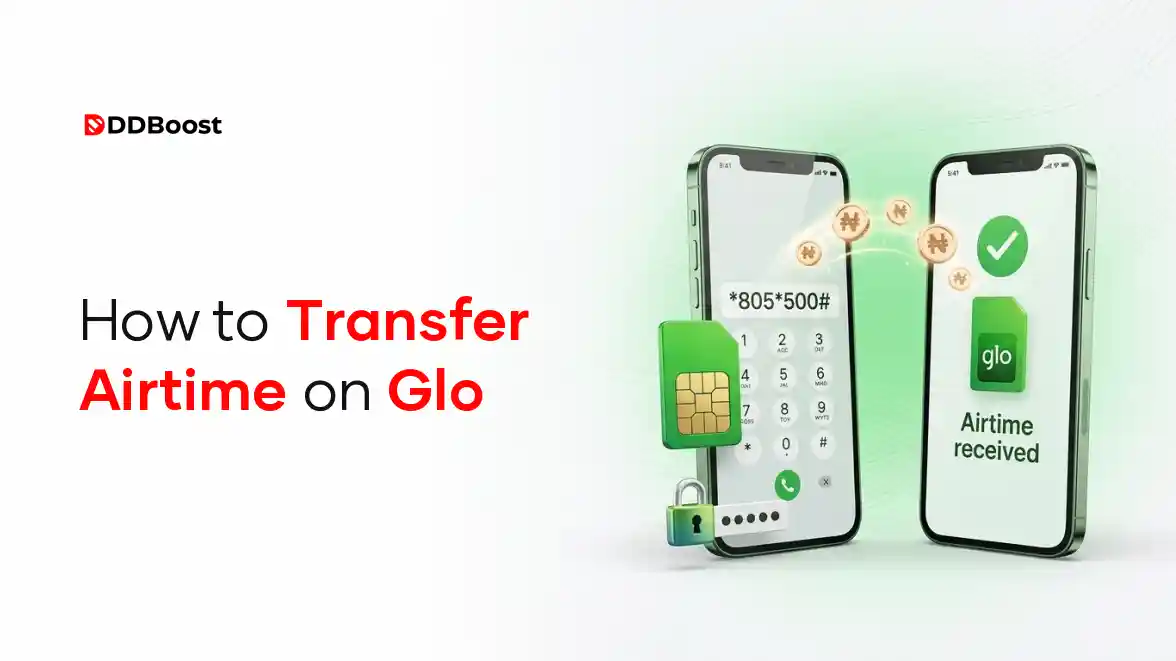
Quick answer: To transfer airtime on Glo, first change the default PIN 00000 by dialling *132*00000*NewPIN*NewPIN#. Then dial *131*ReceiverNumber*Amount*PIN# from your Glo line and confirm. The service is called EasyShare, and it only works from one Glo line to another Glo line.
What Glo EasyShare is
EasyShare is Glo's built-in way to move airtime from your line to another Glo line. You do it with a USSD code (a short code that starts with * and ends with #). You do not need data or an app.
Two codes do all the work. *132* sets or changes your transfer PIN. *131* sends the airtime. If you remember those two, you can do everything below from a basic phone.
Change your Glo transfer PIN first
Every Glo line starts with the same transfer PIN: 00000. Anyone who picks up your phone knows that PIN, so change it before your first transfer.
- Pick a new five-digit PIN. Avoid 12345, your birth year or the last digits of your phone number.
- Dial *132*00000*NewPIN*NewPIN#. For example, to set 48271, dial *132*00000*48271*48271#.
- Wait for the confirmation message. If it says the PINs do not match, you typed the new PIN differently the second time.
Already changed it once and want a new one? Use the same code with your current PIN in place of 00000: *132*CurrentPIN*NewPIN*NewPIN#.
Forgot your Glo transfer PIN?
There is no public code that resets a forgotten PIN. Call Glo customer care on 121 from your Glo line, or visit a Glo office with a valid ID. They will confirm the line is yours before they reset it.
How to transfer airtime on Glo with *131#
Once your PIN is set, sending airtime takes one line of code.
- Check your balance with *310#, the balance code the NCC (Nigerian Communications Commission) set for all networks.
- Dial *131*ReceiverNumber*Amount*PIN#. Example: to send ₦500 to 08051234567 with PIN 48271, dial *131*08051234567*500*48271#.
- Read the confirmation screen. Check the number digit by digit, then confirm.
- Both lines get an SMS when it goes through.
The amount is in plain naira. Type 500, not ₦500 and not 500.00.
Online guides disagree on whether Glo charges a small fee per transfer and on the daily limit. Rather than trust a number from a blog, read the confirmation message before you approve, and ask 121 if you plan to send large amounts often.
Other ways to send it
If USSD keeps failing, the Glo Cafe app has a transfer option. You can also call 121 and ask an agent to help. Both still need you to have enough airtime and the receiver's correct Glo number.
Why your Glo airtime transfer failed
Most failed transfers come down to one of these. Work through them in order.
| What you see | Likely cause | What to do |
|---|---|---|
| "Invalid PIN" or "wrong password" | You are still using 00000 after changing it, or you mistyped | Use your new PIN. If you cannot remember it, call 121. |
| "Insufficient balance" | Not enough main balance to cover the amount | Check with *310# and send a smaller amount |
| "Invalid number" or "not a Glo subscriber" | The receiver is on MTN, Airtel or T2, or a digit is wrong | Confirm the number is Glo. EasyShare cannot cross networks. |
| "Connection problem or invalid MMI code" | A missing * or # or a weak signal | Retype the full code slowly, or try again where the signal is better |
| Nothing happens after confirming | Network delay | Wait a few minutes and check your balance before you try again |
That last row matters. If you retry straight away, you can end up sending twice. Always check your balance before a second attempt.
Not sure which network a line is on? Our guide on how to know the network of a number in Nigeria lists the prefixes. Keep in mind that people can port numbers, so a Glo prefix is a guide, not proof.
Sent Glo airtime to the wrong number?
A completed transfer usually cannot be reversed by a code. Act quickly:
- Call 121 straight away with the wrong number, the amount and the time you sent it.
- If the wrong number is one digit off from someone you know, the owner may simply send it back if you ask politely.
- Do not pay anyone who calls promising to "reverse" it for a fee.
We cover the full process for all networks in what to do when you send airtime to the wrong number.
Keep your PIN safe from airtime scams
Your transfer PIN is the only thing standing between your airtime and a stranger. A common trick goes like this: someone calls claiming to be from Glo, says your line has a problem, and asks you to "confirm" by dialling a code they read out. That code is a *131* transfer to their number.
- Glo staff do not need your transfer PIN. Anyone who asks for it is not helping you.
- Never dial a code someone reads to you over the phone unless you understand every part of it.
- If a "friend" messages asking for urgent airtime, call their normal number to check it is really them. WhatsApp accounts get hacked.
Sending airtime from Glo to MTN, Airtel or T2
EasyShare cannot do this. Glo airtime stays on Glo. Some websites claim to convert airtime across networks, but they take a large cut and some never pay, so be careful.
If the person you want to help is on another network, the cleaner option is to buy airtime for their line directly. You can do that on DDBoost: fund your wallet in naira and buy airtime for any Nigerian network, with the network picked up from the number you type. The same steps for other networks are in our guides to transferring airtime on MTN and transferring airtime on Airtel.
FAQ
What is the code to transfer airtime on Glo?
The code is *131*ReceiverNumber*Amount*PIN#. Dial it from the Glo line that has the airtime, then confirm the details on screen. The receiver must also be on Glo. Change your PIN from the default 00000 before your first transfer.
What is the default Glo transfer PIN?
The default Glo transfer PIN is 00000. It is the same for every new line, so change it with *132*00000*NewPIN*NewPIN#. Choose five digits that are not your birth year or part of your phone number.
Can I transfer airtime from Glo to MTN?
No. EasyShare only moves airtime between Glo lines. To give credit to someone on MTN, Airtel or T2, buy airtime for their number directly from a bank app or a top-up platform instead of trying to convert Glo airtime.
How do I reset my Glo transfer PIN if I forgot it?
Call Glo customer care on 121 from your Glo line or visit a Glo office with ID. There is no self-service code for a forgotten PIN. If you still know your current PIN, change it yourself with *132*CurrentPIN*NewPIN*NewPIN#.
Why does my Glo transfer say invalid PIN?
You are most likely using 00000 after already changing it, or mistyping the new PIN. Retype the full code slowly. If you truly cannot remember the PIN, call 121 to have it reset after they confirm the line is yours.