


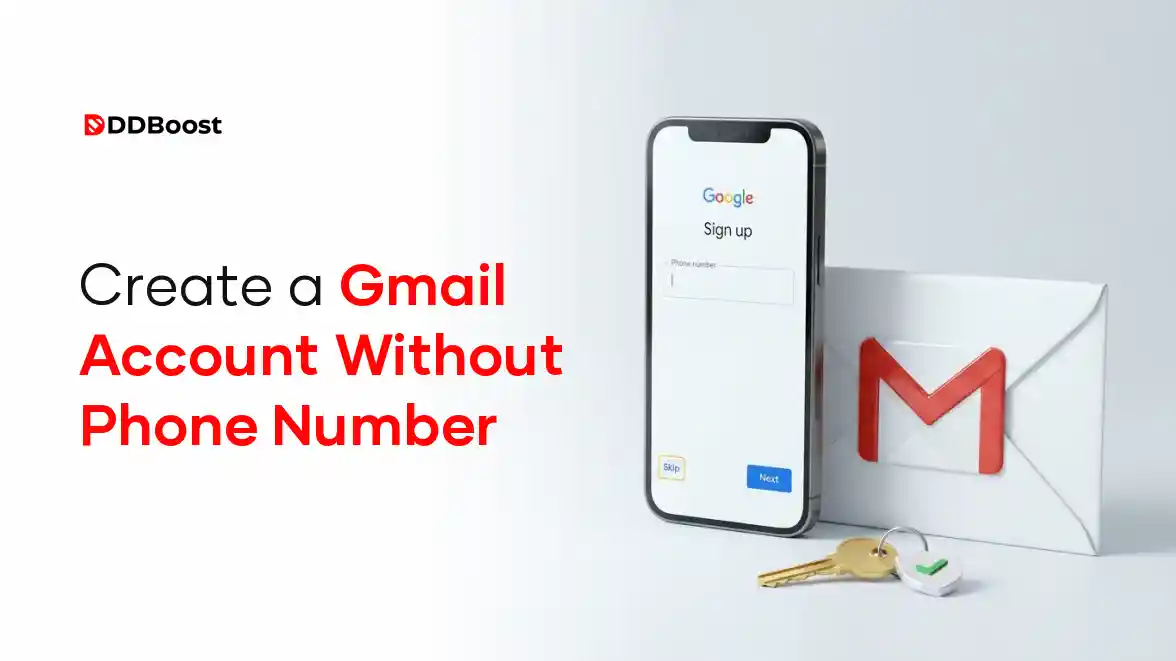
Quick answer: Yes, you can often create a Gmail account without a phone number. Google lists the phone step as optional, so look for a Skip button on that screen. If Google insists on a code, there is no Skip button, and the safest fix is a real number you or a family member can reach, not a random free one.
Can you really create a Gmail account without a phone number?
Most of the time, yes. Google's own help page on creating an account says adding and verifying a phone number is optional. Many people in Nigeria never see the phone step at all, while others see it with a Skip link at the bottom.
The catch is the word "sometimes". Google says that to stop spammers, phone verification is sometimes required to confirm you are a real person. When that happens, the screen asks for a number and gives you no way past it. Google does not publish exactly what triggers this, so anyone who promises a trick that "always works" is guessing.
How to create a Gmail account without a phone number (step by step)
These steps work in a browser on a phone or a computer. Use Chrome or another up-to-date browser.
- Go to accounts.google.com and tap Create account.
- Choose For my personal use.
- Type your first and last name, then your date of birth and gender. Use your real date of birth. In Nigeria you must be at least 13 to manage your own Google account.
- Pick one of the suggested Gmail addresses or tap Create your own Gmail address.
- Create a strong password. Twelve or more characters, mixing words and numbers, is a good start.
- On the phone number screen, look under the box for Skip. Tap it if you see it.
- When asked for a recovery email, add one you already use, such as your school or work email. Do not skip this one.
- Review your details, accept the terms and your Gmail account is ready.
On Android you can do the same from Settings, then Passwords and accounts (the name changes by phone brand), then Add account, then Google. The screens are the same once Google's page opens.
Why Google asks for a phone number anyway
If the Skip button is missing, Google has decided your sign-up needs an extra check. Its help page on verifying your account says the aim is to protect users and block spammers. Things that seem to make the check more likely include:
- Creating several accounts from the same phone, laptop or Wi-Fi in a short time.
- Using a shared network, like a cyber café, a hostel Wi-Fi or a busy office connection where many people sign up.
- Using a VPN (a tool that hides your internet address) that many other people also use.
Google does not confirm these as rules, so treat them as patterns people commonly report. The honest takeaway: if you only need one account for yourself, you are much more likely to see the Skip button.
What to do when there is no Skip button
Do not try to trick the system. Google can lock new accounts that look suspicious, and you lose everything you saved in them. These options keep you on the right side of the rules:
- Try again later from your own device. Sign up from your own phone on your own mobile data, not a public Wi-Fi.
- Use a family member's number. Google's help page itself suggests a number from a friend, family member or a different network. Afterwards you can remove that number and add your own later.
- Pick the call option. If the text code does not arrive, Google can call the number and read the code out instead.
- Use an email you already have. On the sign-up page, choose Use your existing email. Google sends a code to that address instead of creating a new Gmail inbox. You get a full Google account for YouTube, Play Store and Drive, just without a new @gmail.com address.
If Google says the number "cannot be used for verification" or "has been used too many times", that is a limit on that number, not a fault on your phone. Google caps how many accounts each number can create. Our guide on the "phone number cannot be used for verification" error explains the fixes in detail.
Should you use a free virtual number for Gmail?
We would not. Free numbers listed on public websites are shared by thousands of people, so Google has usually seen them many times and rejects them. Worse, anyone who uses that number later could try to use it to reset your password.
Your account recovery should depend on something only you control. That means your own SIM, a family number you trust, or an email you use every day.
The real risk: losing a Gmail account with no phone attached
Skipping the phone number makes sign-up easier, but it makes getting back in harder. If you forget your password and have no phone and no recovery email, Google has very little to check that you are the owner. People in that spot often lose the account for good.
Set these up within the first day:
- Recovery email. Go to myaccount.google.com, then Security, and confirm the recovery email works.
- 2-Step Verification. This adds a second check when you log in. Use an authenticator app such as Google Authenticator if you do not want to use SMS.
- Backup codes. In the 2-Step Verification settings, download the printable codes. Write them down and keep them somewhere safe at home.
- A passkey. A passkey lets you sign in with your phone's fingerprint or screen lock instead of a password. Our explainer on what a passkey is and how to set one up walks you through it.
If you already have an account and you are locked out, read our guide to recovering a Gmail account without a phone number.
Watch out for "Gmail creation help" scams
Search results for this topic include pages that tell you to call a "support" number for help creating a Gmail account. Google does not run a phone line for free Gmail sign-ups. Anyone on that line may ask for your codes or a fee. Never share a Google verification code with anyone, even if they say they are from Google.
Be careful too with people who sell "ready-made" Gmail accounts on WhatsApp or Telegram. The seller usually still has the recovery details, so they can take the account back whenever they want.
FAQ
Is the phone number required for Gmail in Nigeria?
No, not always. Google treats the phone number as optional, and Nigerian users often see a Skip button. Google sometimes requires phone verification to block spam, and when it does, there is no way to skip that step on that attempt.
How many Gmail accounts can one phone number create?
Google does not publish an exact number. It only says it limits how many accounts each phone number can create and how many times a number can be used for verification. Once you hit the limit, you will see a "used too many times" message and need a different number.
Can I add my phone number later?
Yes. Go to myaccount.google.com, tap Personal info, then Phone, and add your number. Adding one later makes recovery much easier if you ever forget your password or lose access.
Can I use the same phone number for two Gmail accounts?
Yes, within Google's limit. Many people use one number for a personal account and a business account. Just make sure each account also has its own recovery email and backup codes, so one lost SIM does not lock you out of both.
Why is the Gmail verification code not arriving?
Text codes can be delayed by network traffic, a full SMS inbox or DND settings. Wait a few minutes, check you typed the number with the right country code (+234), then choose the call option instead of the text.