


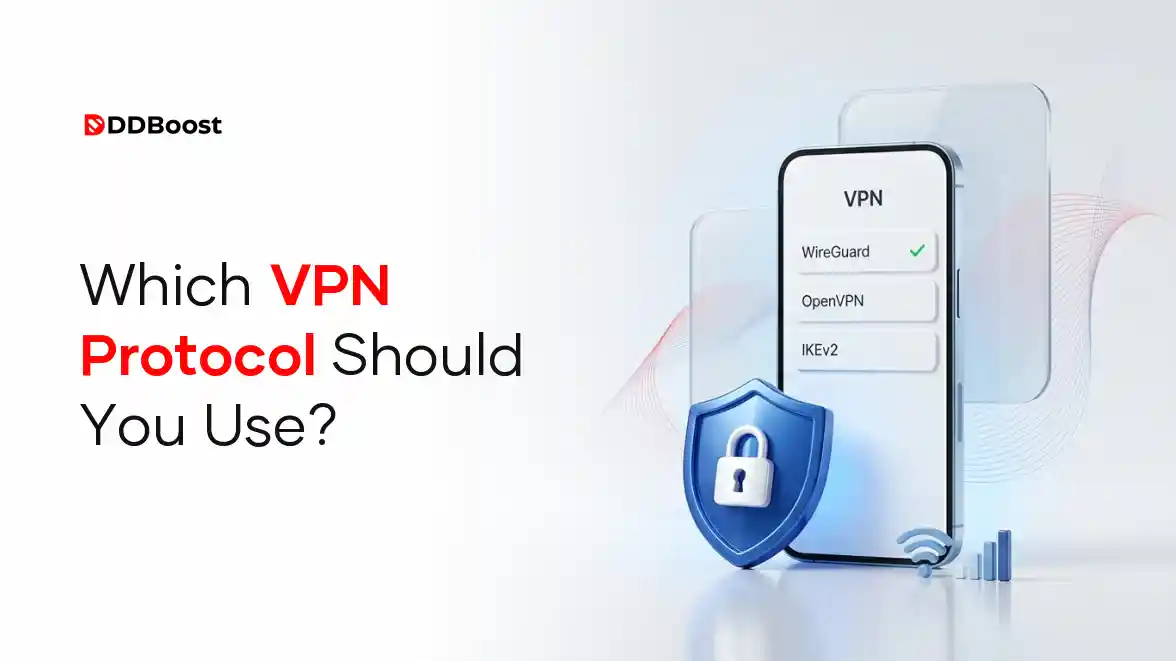
Quick answer: For most people in Nigeria, the best VPN protocol is WireGuard. It is fast, light on battery and handles the switch between Wi-Fi and mobile data well. If WireGuard will not connect, try IKEv2 on a phone or OpenVPN on a weak or unstable connection. Never pick PPTP.
What is a VPN protocol?
A VPN protocol is the set of rules your VPN app uses to build its private tunnel. It decides how your data is locked (encrypted), how it travels, and how the app reconnects when your signal drops.
If you are new to VPNs, start with our guide on what a VPN is and what it really hides. This post assumes you already have one and are staring at a setting called "Protocol" wondering what to tap.
Most VPN apps hide this setting under Settings, then Connection or Protocol. You will usually see a few of these names: Automatic, WireGuard, OpenVPN (UDP), OpenVPN (TCP), IKEv2 and sometimes a brand name such as NordLynx or Lightway.
The VPN protocols you will see, in plain words
WireGuard
WireGuard is the newest of the main options. Its official site describes it as simple, fast and modern, and it is written in far fewer lines of code than the older protocols. Less code means fewer places for bugs to hide, and it is easier for security experts to check. It has been part of the Linux kernel (the core of the Linux system) since version 5.6.
It only travels over UDP, a quick way of sending data that does not wait to confirm every piece arrived. That makes it fast. The trade-off is that a few networks treat UDP traffic poorly.
Some VPN brands give WireGuard their own name. NordLynx, for example, is NordVPN's version built on WireGuard. If you see a brand name you do not recognise, check the app's help page. It is often WireGuard underneath.
OpenVPN
OpenVPN has been around much longer and has a long record of security checks. It can run in two modes:
- UDP: the faster mode. Use this one by default.
- TCP: slower, because it confirms every piece of data. It can hold up better on a very poor connection, such as one bar of signal in a crowded area.
The downside is weight. OpenVPN does more work per connection, so it is usually slower than WireGuard and tends to use more battery on a phone.
IKEv2
IKEv2 (Internet Key Exchange version 2) works together with IPsec, a set of security rules built into most phones and computers. It was designed with mobile devices in mind and reconnects quickly when your network changes.
That matters if you leave home Wi-Fi and your phone jumps onto MTN or Airtel data. With IKEv2, the VPN usually picks up again in a moment instead of dropping you.
The weakness: it uses fixed ports (fixed "doors" on the network), so some office and hotel networks block it by accident or on purpose.
PPTP and L2TP
These are old. PPTP has known security flaws that make captured passwords easier to crack. In October 2024, Microsoft announced it is phasing out PPTP and L2TP in future versions of Windows Server and pointed people to IKEv2 and SSTP instead. If an app or a "free VPN" only offers PPTP, treat that as a warning sign.
WireGuard vs OpenVPN vs IKEv2 compared
| Protocol | Speed | Battery use on phones | Switching Wi-Fi to data | Main weakness |
|---|---|---|---|---|
| WireGuard | Fastest in most tests | Low | Handles it well | Newer, UDP only |
| OpenVPN (UDP) | Good | Higher | Slower to recover | Heavier, slower |
| OpenVPN (TCP) | Slowest of the safe options | Higher | Slower to recover | Speed drops on long distances |
| IKEv2 | Good to very good | Low | Built for it | Blocked on some networks |
| PPTP | Fast | Low | Poor | Weak security. Avoid. |
Speed and battery results differ by app, server and phone. Treat the table as a guide to how each protocol is built, not a promise for your device.
Which VPN protocol should you pick?
Match the protocol to your situation. Here is what I would do:
- You use your phone all day on mobile data: WireGuard. If your app does not offer it, IKEv2.
- You move between home Wi-Fi, office Wi-Fi and data: WireGuard or IKEv2. Both reconnect quickly. OpenVPN will drop more often in this case.
- You are on a laptop at a desk: WireGuard for speed. OpenVPN UDP if you want the protocol with the longest track record.
- Your signal is very weak and the VPN keeps cutting out: try OpenVPN TCP. It is slower, but each piece of data is confirmed, so it can be steadier.
- You do not want to think about it: leave it on Automatic. Good apps pick WireGuard or a WireGuard-based option first and fall back on their own.
One honest point: changing the protocol will not make a bad server fast. If a server in a far country is slow, picking a closer server usually helps more than any protocol change.
Does the VPN protocol affect how much data you use?
A little. Every VPN adds some extra data, because each piece of your traffic is wrapped in a protective layer. WireGuard's wrapping is lighter than OpenVPN's, so it tends to add slightly less on top of your normal use.
The difference is small next to what you actually do online. A one-hour video uses far more data than any protocol overhead. Our post on how much extra data a VPN really uses explains the real cost in more detail.
How to change the protocol in your VPN app
The exact menu names differ, but the steps are almost always like this:
- Disconnect the VPN first. Some apps will not let you change the protocol while connected.
- Open the app and tap Settings (often a gear icon or three lines).
- Look for Protocol, VPN Protocol or Connection.
- Choose WireGuard (or the brand's WireGuard version). If you are troubleshooting, pick the one you want to test.
- Connect again and use your phone normally for a few minutes. Open a page, play a short video, then switch off Wi-Fi to see if the VPN stays up.
- If it fails to connect, go back and try IKEv2, then OpenVPN UDP, then OpenVPN TCP.
Test one change at a time. If you switch the protocol and the server together, you will not know which change fixed the problem.
Mistakes people make with VPN protocols
- Picking TCP because it "sounds safer". TCP and UDP use the same strong encryption in OpenVPN. TCP is just slower. Use it only when UDP keeps failing.
- Using PPTP on an old router or app because it was the default. Change it, or replace the app.
- Blaming the protocol for every problem. If the VPN will not connect at all, the cause is often the network, the date and time on your phone, or the app itself. Our guide on fixing a VPN that is not connecting walks through those checks.
- Trusting a free app that does not name its protocol. A good VPN tells you what it uses. If a free app hides this, it may be hiding other things too, such as how it earns money from your data.
If you are looking for a VPN subscription and do not want to pay with a foreign card, DDBoost sells VPN plans for phones and computers that you can buy with naira from your wallet. You can see the current options on the DDBoost services page.
VPN protocol FAQ
What is the safest VPN protocol?
WireGuard, OpenVPN and IKEv2 are all considered secure when set up properly. OpenVPN has the longest record of security checks, while WireGuard's small code makes it easier to review. The one to avoid is PPTP, which has known flaws. For most people, the difference between the three good options is not about safety.
Is WireGuard better than OpenVPN?
For most phone users, yes. WireGuard is usually faster, uses less battery and copes better when you switch between Wi-Fi and mobile data. OpenVPN is still a solid choice, and its TCP mode can help on a very weak connection where WireGuard keeps dropping.
Should I use UDP or TCP for OpenVPN?
Use UDP first. It is faster and works well on most connections. Switch to TCP only if UDP keeps failing or cutting out, for example on a weak signal. Both modes use the same encryption, so TCP is not more private. It is only slower and sometimes steadier.
Which VPN protocol uses the least battery?
WireGuard and IKEv2 are usually the lightest on phone batteries, and OpenVPN tends to use more. In practice, your screen and the apps you run use far more battery than the VPN does. If your battery drains fast, check which apps are running in the background first.
Why does my VPN only connect on one protocol?
Some networks handle certain kinds of traffic differently. An office or hotel network may block the fixed ports IKEv2 uses, or treat UDP poorly. If only one protocol works on a network, that is normal. Use the one that works there and switch back to WireGuard at home.
Is "Automatic" a good protocol setting?
Yes, in most good VPN apps. Automatic usually starts with the fastest protocol, often WireGuard, and falls back to another one if it fails. Change it by hand only when you are fixing a problem or you have a clear reason to prefer one protocol.