


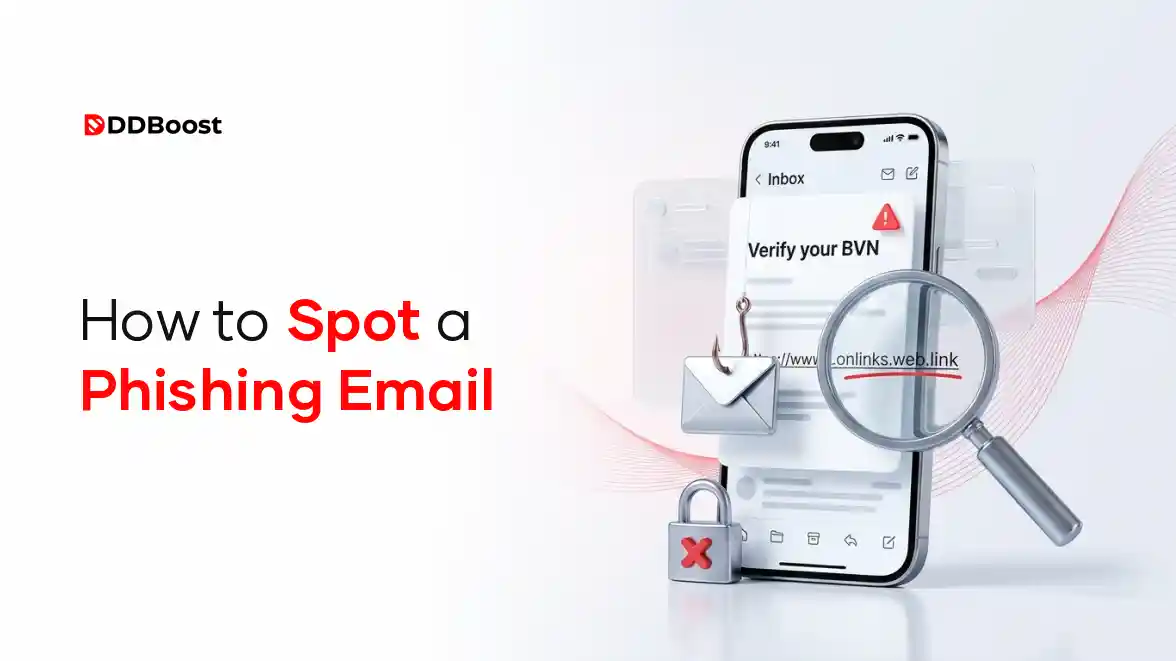
Quick answer: To spot a phishing email, check the real sender address, not the display name, and look at where any link actually goes before you tap it. Treat any email that rushes you or asks for a PIN, password, OTP or BVN as fake until you confirm it through your bank's or the company's official app or number.
A phishing email is a fake message made to look like it came from your bank, Google, a delivery company or even your boss. The goal is to get you to type a password, share a code or open a file. In Nigeria, these emails often borrow the names of banks, the Central Bank of Nigeria (CBN) or popular services people already trust.
What phishing emails in Nigeria look like
The tricks change, but the stories repeat. These are the ones that show up most in Nigerian inboxes:
- "Your BVN needs to be updated": the email says your account will be blocked unless you confirm your Bank Verification Number (the 11-digit ID that links all your bank accounts) through a link.
- "Your account has been restricted": a message with your bank's logo says there was strange activity and you must log in to "restore access".
- Fake CBN or government grants: you are told you have been picked for a payment, palliative or compensation. To receive it, you must send your account details or pay a small "processing fee".
- Delivery or customs fees: a parcel is "held" until you pay a small amount by card.
- Job offers and contracts: an attractive offer with a file to download or a form that asks for your details.
- Password and storage alerts: "Your mailbox is full" or "Your password expires today" with a button to sign in.
Notice the pattern. Each one gives you a reason to act right now and a link or file that does the damage.
Check the sender's real email address
The name you see in your inbox is just a label. Anyone can set their display name to "GTBank Alert" or "Google". What matters is the address behind it.
On a computer, the address shows next to the name. In the Gmail app, tap the sender's name to see it. Then ask:
- Is it from a free account like Gmail, Yahoo or Outlook? A real bank does not send account notices from a Gmail address.
- Is the company name spelled slightly wrong, or does it have extra words? Something like "zenith-bank-verify.com" or "accessbank-support.net" is a warning.
- Does the part after the @ sign match the company's real website?
Gmail also gives you a quick clue. According to Google's help pages, a question mark next to the sender's name means Gmail could not confirm the message really came from that sender. That alone does not prove it is fake (some mailing lists fail this check), but it is a reason to slow down.
Look at where the link really goes
The text of a link and the place it sends you can be different. A button that says "Log in to First Bank" can open any website at all.
On a laptop, rest your mouse on the link without clicking. The real address appears at the bottom corner of the screen. On a phone, press and hold the link until a preview or the full address pops up. Do not tap it.
Read the address from the right. In firstbanknigeria.secure-login.xyz, the real site is secure-login.xyz, not First Bank. Short links that hide the address are another reason to stop. Our guide on how to check if a link is safe before you tap it walks through free tools that scan a link for you.
Red flags inside the message
Even a well-made fake usually gives itself away in the body. Watch for these:
- Pressure and deadlines: "within 24 hours", "final warning", "your account will be closed".
- Requests for secret details: PIN, password, OTP (the one-time code sent to your phone), full card number or the 3 digits at the back of the card. Google says plainly that Gmail will never ask for your password by email, and Nigerian banks repeat the same warning about PINs and OTPs.
- A greeting that could fit anyone: "Dear Customer" or "Dear User" from a company that has your name.
- Money you did not expect: grants, refunds, prizes or a payment "waiting" for you, but only after you pay a fee.
- Odd attachments: a "receipt" or "invoice" you never asked for, especially a ZIP file or a document that asks you to "enable content".
Spelling mistakes used to be the easy giveaway. They are less reliable now, because scammers can produce clean, polished text. A well-written email can still be fake, so lean on the sender and the link checks above.
A 30-second check before you act on any email
Use this every time an email asks you to log in, pay or share anything:
- Pause. If the email is pushing you to hurry, that is the first sign to wait.
- Check the sender address, not the name.
- Check the link address with a long press or hover. Do not tap.
- Go around the email. Close it and open your bank's app, or type the company's website yourself. If the problem is real, you will see it there too.
- Still unsure? Call. Use the number on the back of your card or on the official website, never the number written in the email.
Step 4 is the one that saves people. A fake email can copy a logo perfectly, but it cannot put a fake warning inside your real banking app.
What to do if you already clicked or typed something
Clicking a link is not always the end of the world. What you do in the next few minutes matters more. Work through this in order:
- Close the page. Do not type anything else or download anything it offers.
- If you entered a bank detail, PIN or OTP, call your bank now. Ask them to block the card or freeze the account. Speed matters here more than anything else.
- If you entered a password, change it from the real app or website, not from the email. If you use the same password elsewhere, change it there too.
- Turn on two-step verification (a second check, usually a code, needed when someone signs in). An authenticator app is safer than SMS codes, as we explain in authenticator app vs SMS codes.
- If you downloaded a file, delete it and run a security scan on the device.
- Watch your accounts for the next few weeks: bank alerts, login alerts and messages sent from your email that you did not write.
If you only opened the email and did not click, type or download anything, you are almost always fine. Delete it and report it.
How to report a phishing email
Reporting helps your email provider block the same message for other people. In Gmail on a computer, open the email, click the three dots next to Reply, then choose Report phishing. Google explains the steps on its help page for reporting suspicious emails. Outlook and Yahoo Mail have their own report or spam option in the message menu.
If the email pretends to be your bank, forward it to the bank's official fraud or support email (listed on its website) and tell them what happened. This matters most if you clicked anything.
Keep your main inbox out of scammers' reach
Phishers can only target addresses they know. Every website you sign up on is another place your email can leak from. If you are worried it already has, you can check if your email was in a data breach in a few minutes.
A simple habit helps: keep your main email for banking, work and people you know. For one-off sign-ups, a free trial or a site you may never visit again, use a separate address. If you would rather not create one yourself, DDBoost sells short-term inboxes that receive a verification code, which you can get from your DDBoost dashboard.
Phishing email FAQ
Can I get hacked just by opening a phishing email?
Usually not. Opening an email on an updated phone or computer rarely causes harm by itself. The danger comes when you click a link, type details on a fake page, or open an attachment. If you only opened it, delete it, report it, and move on.
Will my bank ever email me asking for my PIN or OTP?
No. Nigerian banks warn customers that they will never ask for a PIN, OTP, password or full card details by email, SMS or phone call. Anyone who asks for these is trying to take money from your account, even if the email uses the bank's real logo.
Why did a phishing email land in my main inbox and not spam?
Spam filters catch most fakes, but not all. Scammers keep changing wording, senders and links to slip past them. A message reaching your inbox does not mean it is safe. Report it as phishing so the filter learns from it.
Is an email from a Gmail address always a scam?
No. Friends, small businesses and freelancers use Gmail every day. It becomes a red flag when the message claims to be from a bank, a large company or the government. Those organisations send official notices from their own web address, not a free email account.
What if the email knows my name or part of my account number?
That does not make it real. Names, email addresses and phone numbers often leak in data breaches and are sold to scammers. A real-looking detail is used to win your trust. Still confirm through your bank's app or official number before you act.